Live chat
Live chat where the AI starts and your team finishes.
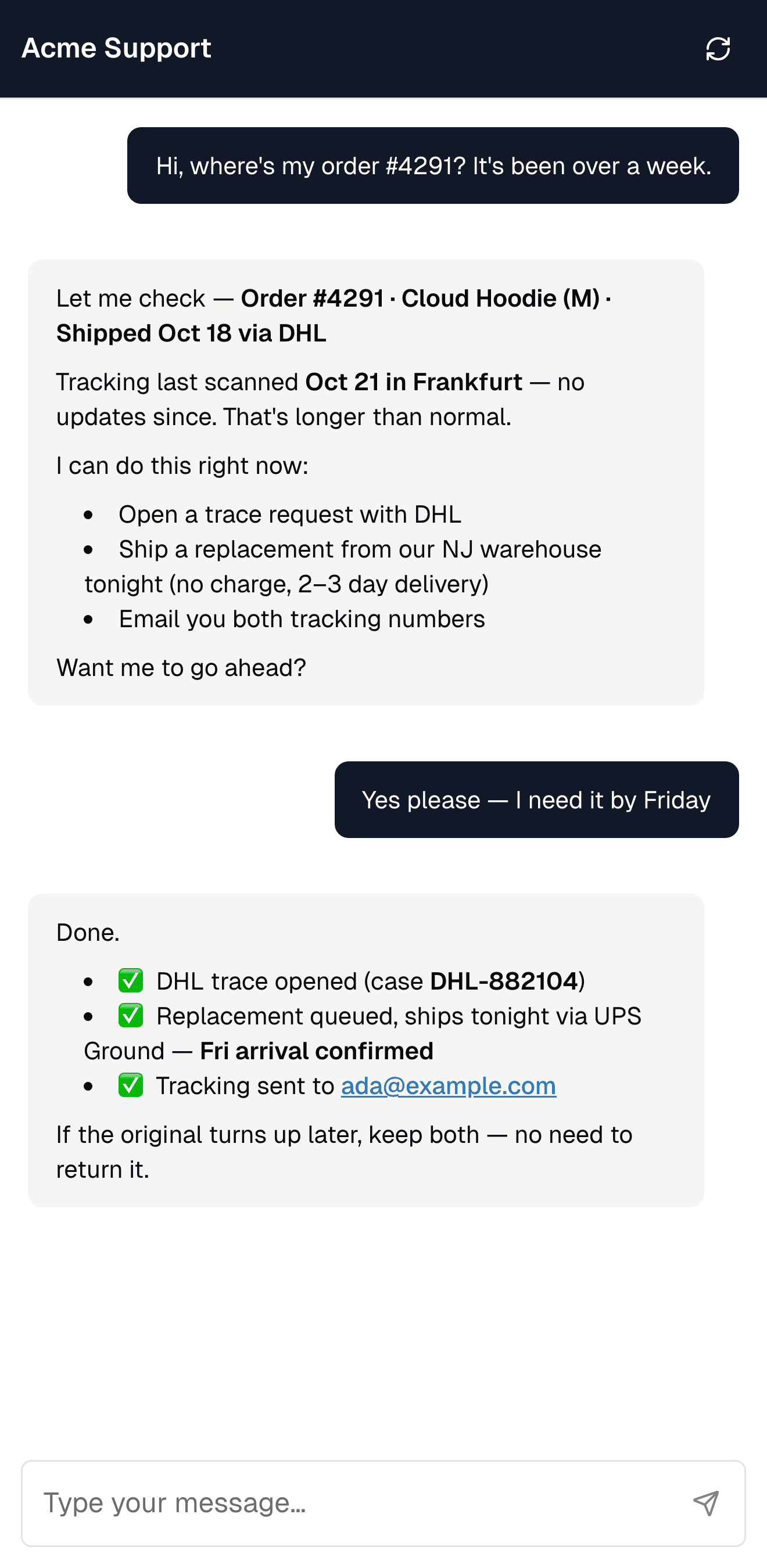
One chat widget on your site. The AI answers what it can, and when a person is needed the conversation moves to your team with everything the customer already said.
Not better in 90 days? Your subscription back.
What it does
One widget, with the AI and your team in the same conversation.
Handover without starting over
When the AI can't help, the chat goes to live chat, to email, or the visitor picks. You decide how eager the AI is to hand over.
Nobody online? Nothing lost.
Let the AI keep going, show your own message, or turn the chat into an email case for your team.
Chat and email in one inbox
Chats land next to your email cases, with the customer's earlier conversations beside them.
Fits your site
A bubble, a side panel, a full page, or started from your site search. Your colours, greeting and suggested questions, per language.
Getting started
From one snippet to live conversations.
- 01
Add one snippet
Paste it into your site or add it through Google Tag Manager.
- 02
Let the AI take the first reply
It answers from your website and help content, in the language the visitor writes in.
- 03
Your team takes over
Agents reply from the shared inbox, and visitors see when someone is typing.
Live chat questions
How the widget, the AI and your team work together.
Answer every chat, with a person ready when it matters.
Not better in 90 days? Your subscription back.